CHAPTER 1
The Shipping Box
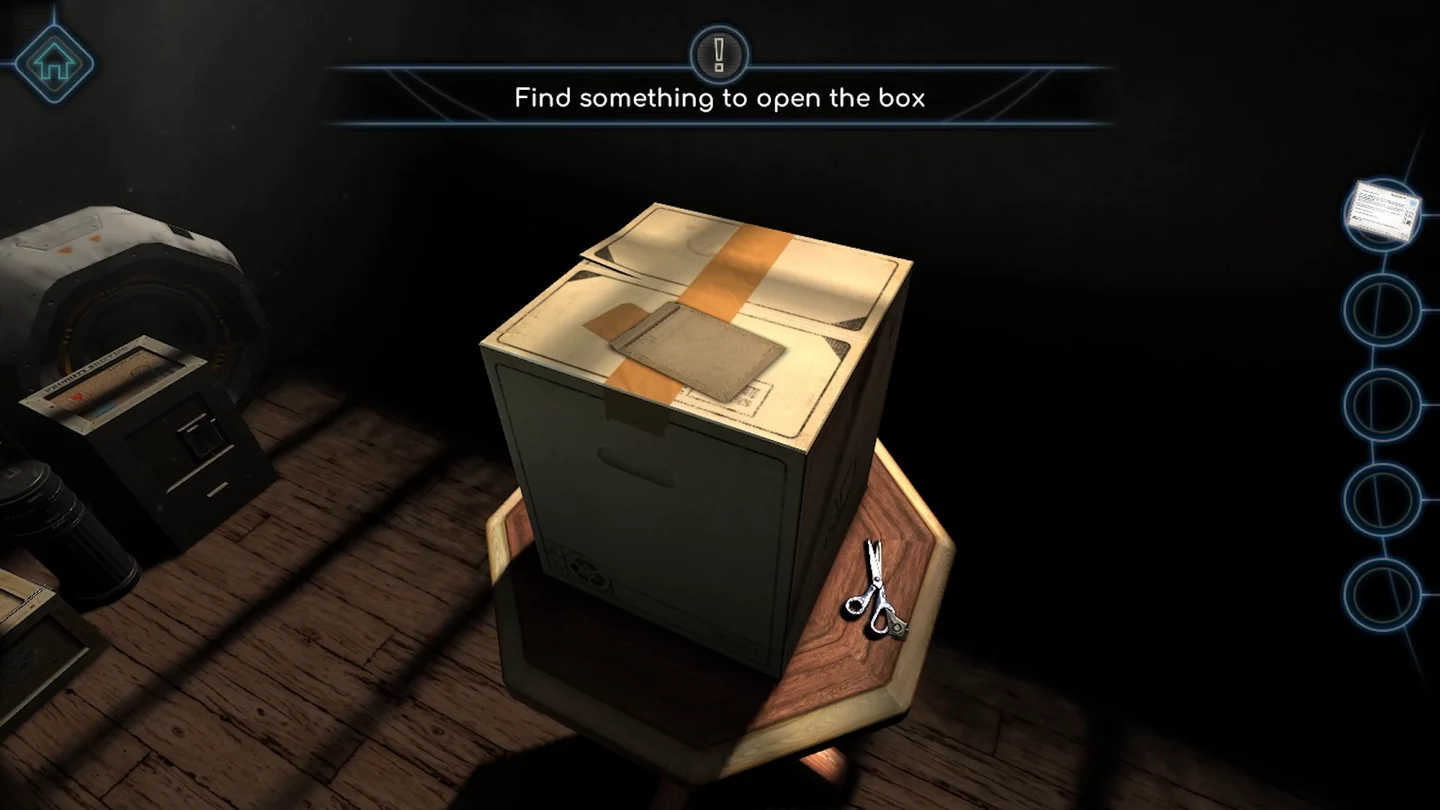
Your first delivery is a sealed cardboard box. Everything you need is on and around it.
- Zoom in on the envelope taped to the top of the box, slide the letter out and read it. The printer's lock code is its serial number, 1078.
- Look at the wooden stand under the box and take the scissors.
- Drag the scissors onto the tape on top of the box, then pull the four flaps open to reveal the printer.
CHAPTER 1
Starting the 3D Printer
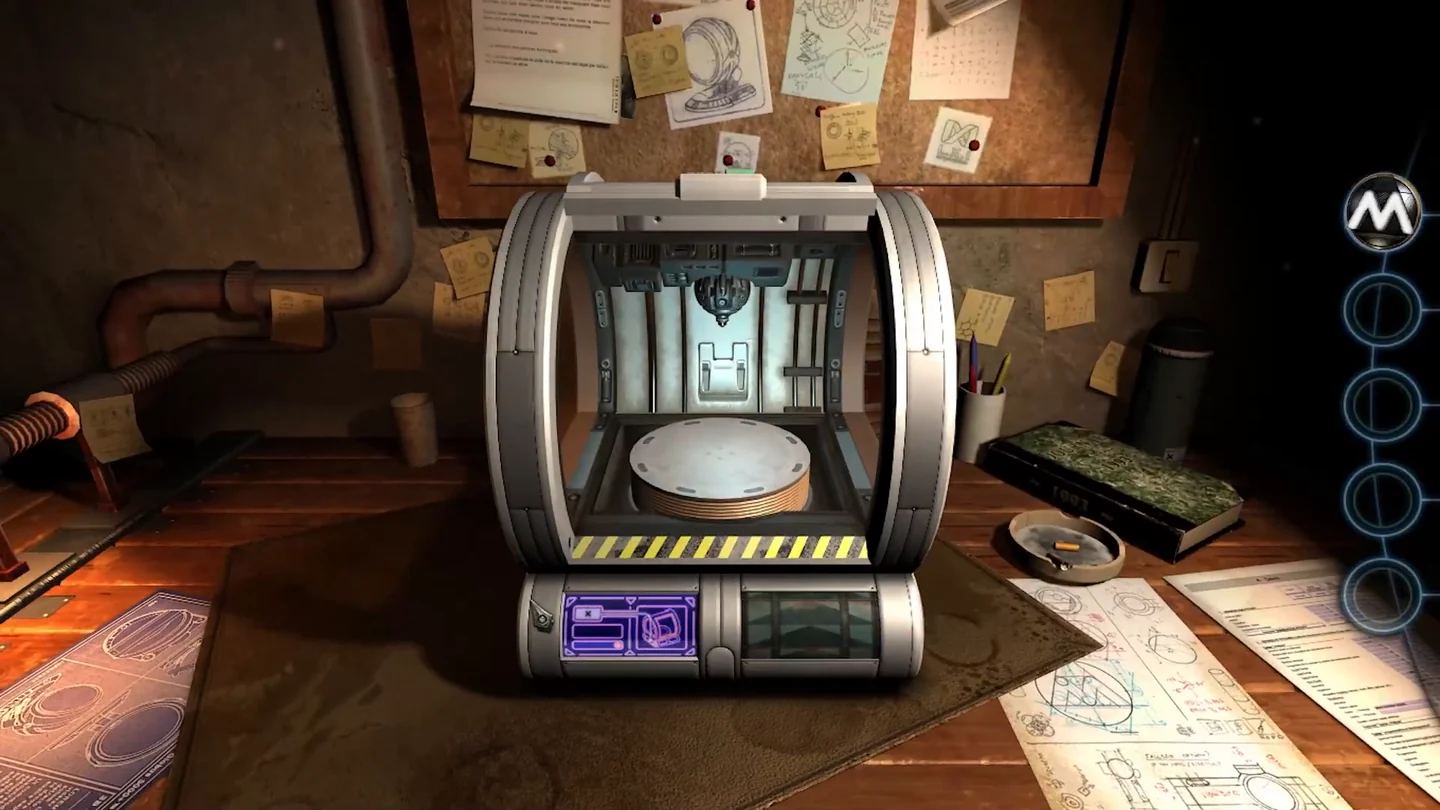
The 3D printer is your most important tool: from now on it duplicates parts you place on its turntable.
- At the printer, set the lock on the front to 1078, then press the green button beside the wheels to confirm.CODE1078
- Open the printer's cover and take the battery from the turntable inside.
- Go to the right side of the printer. Rotate the round catch at the rear, slide the latch along and let the compartment lower. Insert the battery, close the compartment and press the red power switch; it lights orange.
- Take the museum emblem lying on the blueprints to the right of the printer.
- The screen shows a cartridge fault. On the left side of the printer, turn the two round catches to open the cartridge bay. Press the eject arrow on the lower holder and remove the empty cartridge, then take the heavy full cartridge beside it and fit it into the holder. The screen shows a green check mark.
- Close the bay, then turn the knob beside the orange light on the side of the printer. The scan and print buttons light up.
- Place the museum emblem on the turntable, close the cover and press the purple Scan button, the left one next to the red Print button. When the scan finishes, take the emblem back.
- With the cover closed and the turntable empty, press the red Print button. When printing finishes, open the cover and take the copy of the emblem, then close the cover again. The printer stays on the desk, and a printer icon is added to your toolbar so you can use it in later chapters.
EVIDENCE3D printer added to the toolbar