EXTRAS
Extras: Escape Mode, Script, Artwork and Flappy Space Quest
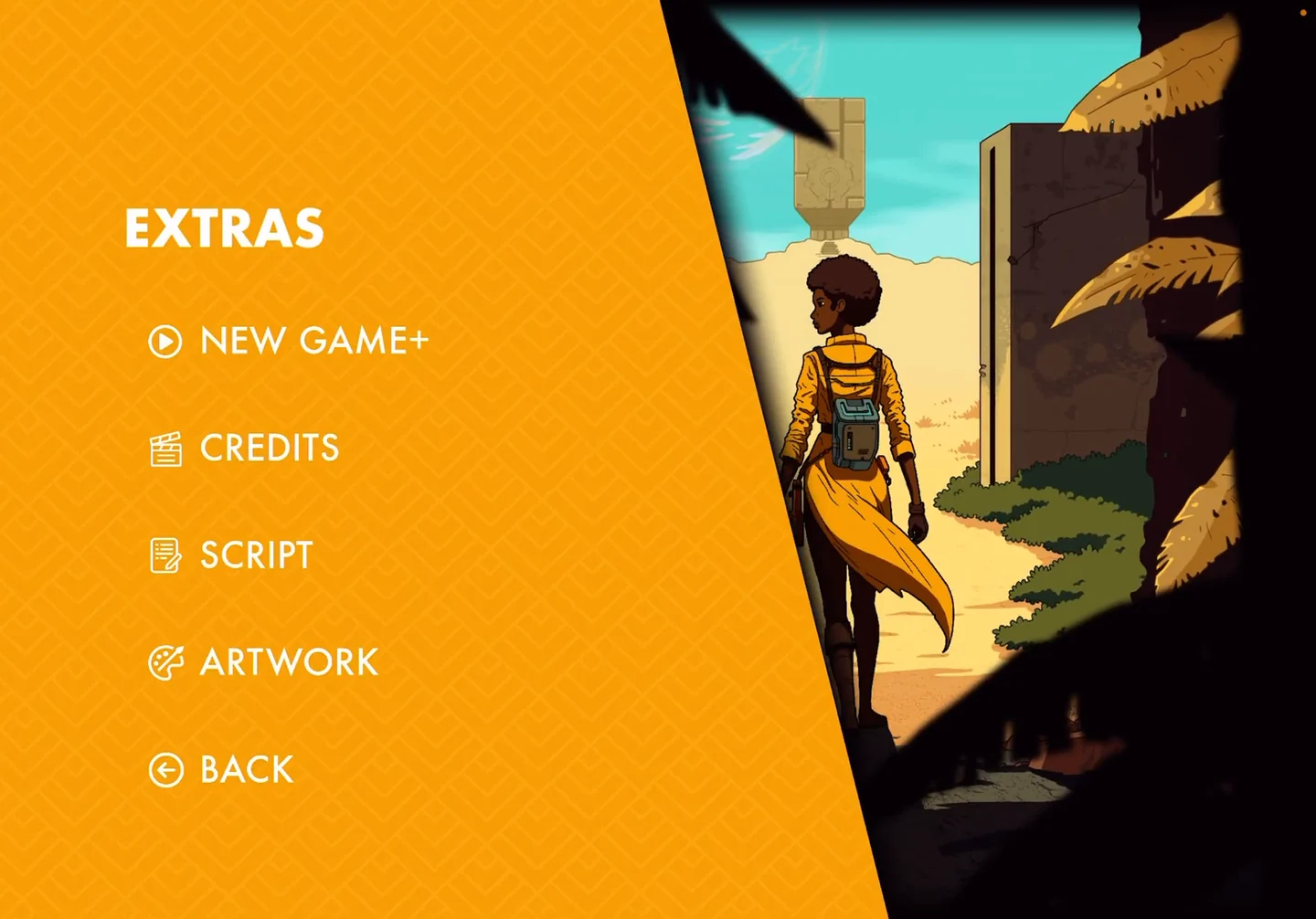
Finishing the story unlocks the Extras menu, including Escape Mode, a timed replay of the astronaut's story.
- After the credits, the Extras menu lists New Game+, Credits, Script and Artwork.
- Escape Mode: on the main menu, open Extras, choose New Game+ and confirm. The game warns that you have two hours to finish before the planet explodes.
- The story restarts in the crashed ship. Soon after you get outside the wreck, the astronaut warns that the planet will soon implode, and a two-hour countdown appears in the top-right corner. Follow this guide from Act 1 as quickly as you can and skip the optional steps.
- The run ends when the astronaut's pod launches at the end of the Act 5 pod puzzle, so you do not play the alien's part. If you launch before the countdown runs out, a "You won" screen appears. Choose Main Menu, or watch the remaining cutscenes, which include the astronaut's ending and the credits. If the countdown reaches zero first, the run is lost.
- Script and Artwork: choose Script to scroll through the game's full script, including the epilogue. Choose Artwork to browse concept sketches and illustrations with the arrow buttons.
- Flappy Space Quest: on the main menu, tap the small scanner icon in the top-right corner. The minigame title shows Play and an X button. After you choose Play, the ship scrolls through an asteroid field and you have to keep it aloft while the score counts up; on a computer, click the mouse to keep it rising. If the ship drops to the bottom of the screen, it crashes and the game returns to the minigame title.
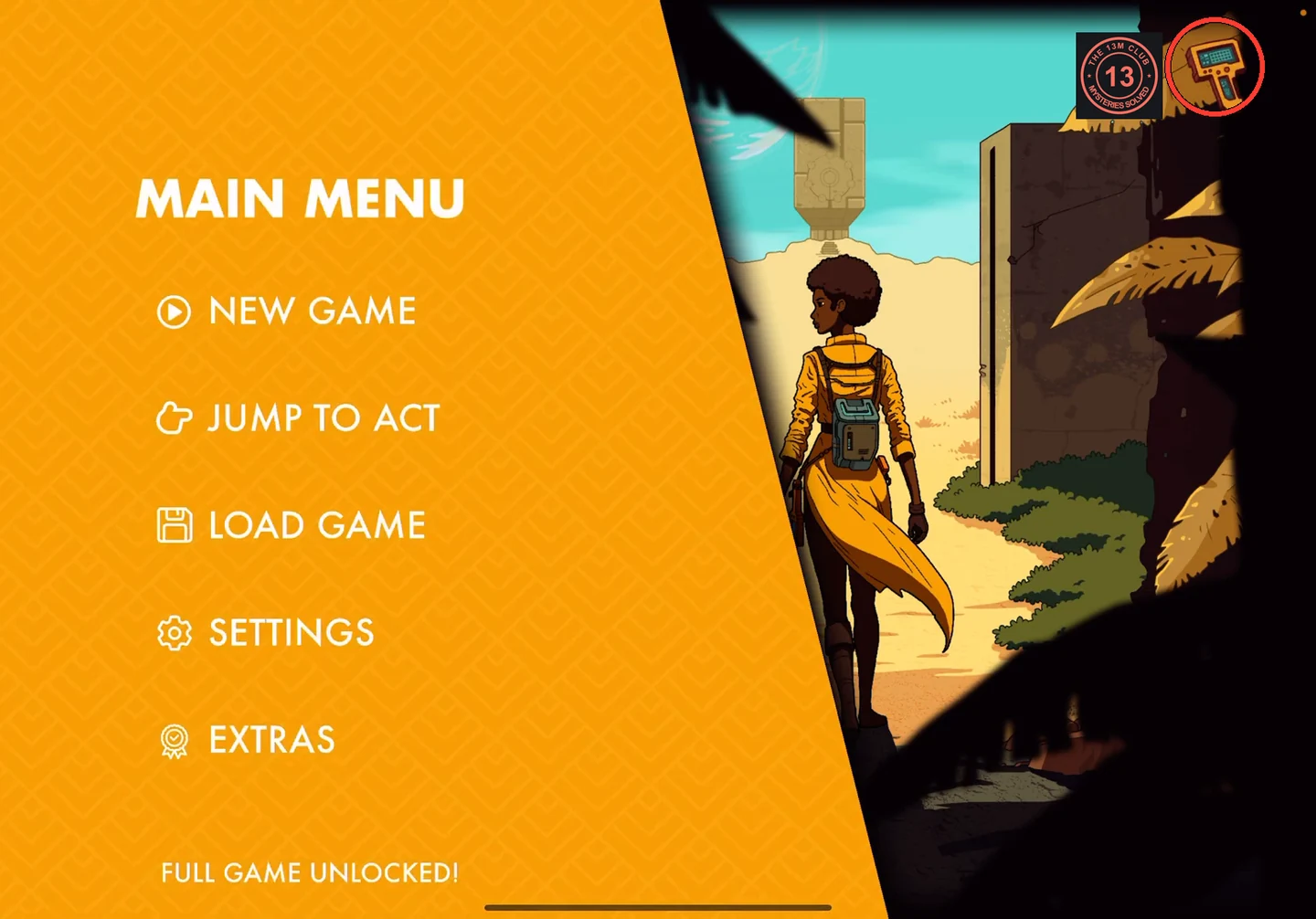
The scanner icon opens Flappy Space Quest.