The Bug in the Show
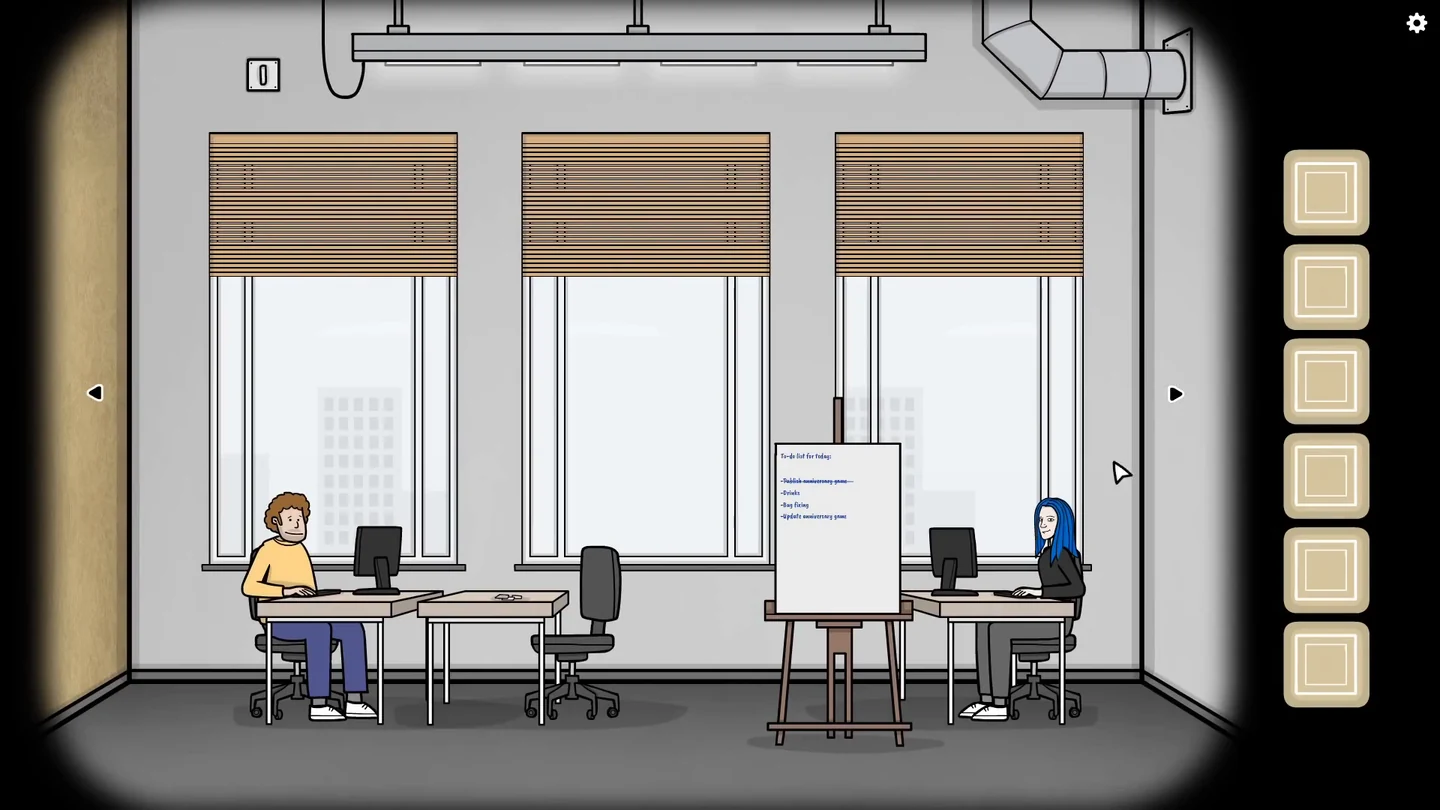
Act 14 crashes and you find yourself in the office where the game is being made. Before the bug can be fixed, everyone wants a drink.
- Tap Mr. Rabbit to step closer, then tap the hat on his head so he takes it off. Tap the wand and try to pop the blue balloon. Critical error windows start to appear; tap OK on each one as more keep popping up. The camera pulls back to an office laptop. Tap the back arrow at the bottom of the screen to step away from the laptop into the office.
- Collect the drink supplies: the cold soda can from the fridge freezer, the mug and the coffee capsule from the kitchen cabinets, the tea bag under the postcards on the desk beside the developers, and the coffee cup inside the globe beside the door.
- In the kitchen, put the mug on the counter, pour hot water from the kettle, add the tea bag and take the tea. Put the cup in the coffee machine and put the capsule in at the top. Tap the lever on top of the machine to lift it, then tap it again to close it, and the coffee pours. Take the coffee.
- Give the tea to the man by the laptop, the soda to Maarten (curly hair, yellow shirt) and the coffee to the blue-haired developer.
Fixing the Level Script
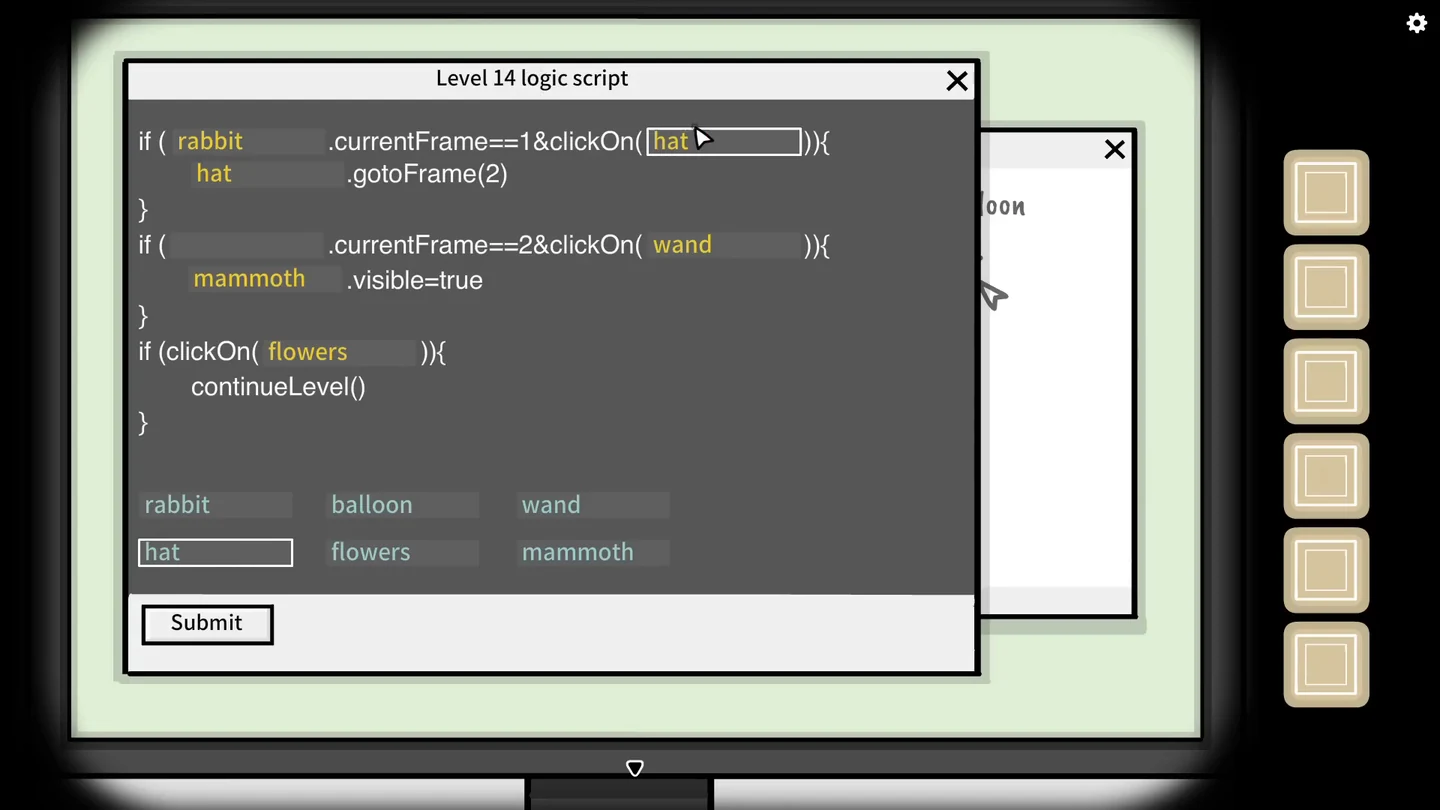
Maarten’s monitor shows the broken script for Act 14 next to a sketch of how the act should play.
- After delivering the drinks, go back to Maarten at the left desk. When he asks for help, tap his monitor to open the script. Some blanks in the script already hold the right word, some hold a wrong word and one is empty. Tap a word tile below the script, then tap a blank to put that word in it. In order the blanks must read: rabbit, hat, rabbit, rabbit, wand, balloon, balloon. The script then reads: if rabbit is on frame 1 and the hat is clicked, rabbit goes to frame 2; if rabbit is on frame 2 and the wand is clicked, the balloon becomes visible; if the balloon is clicked, the level continues. If an error appears when you submit, close it and check the words again.
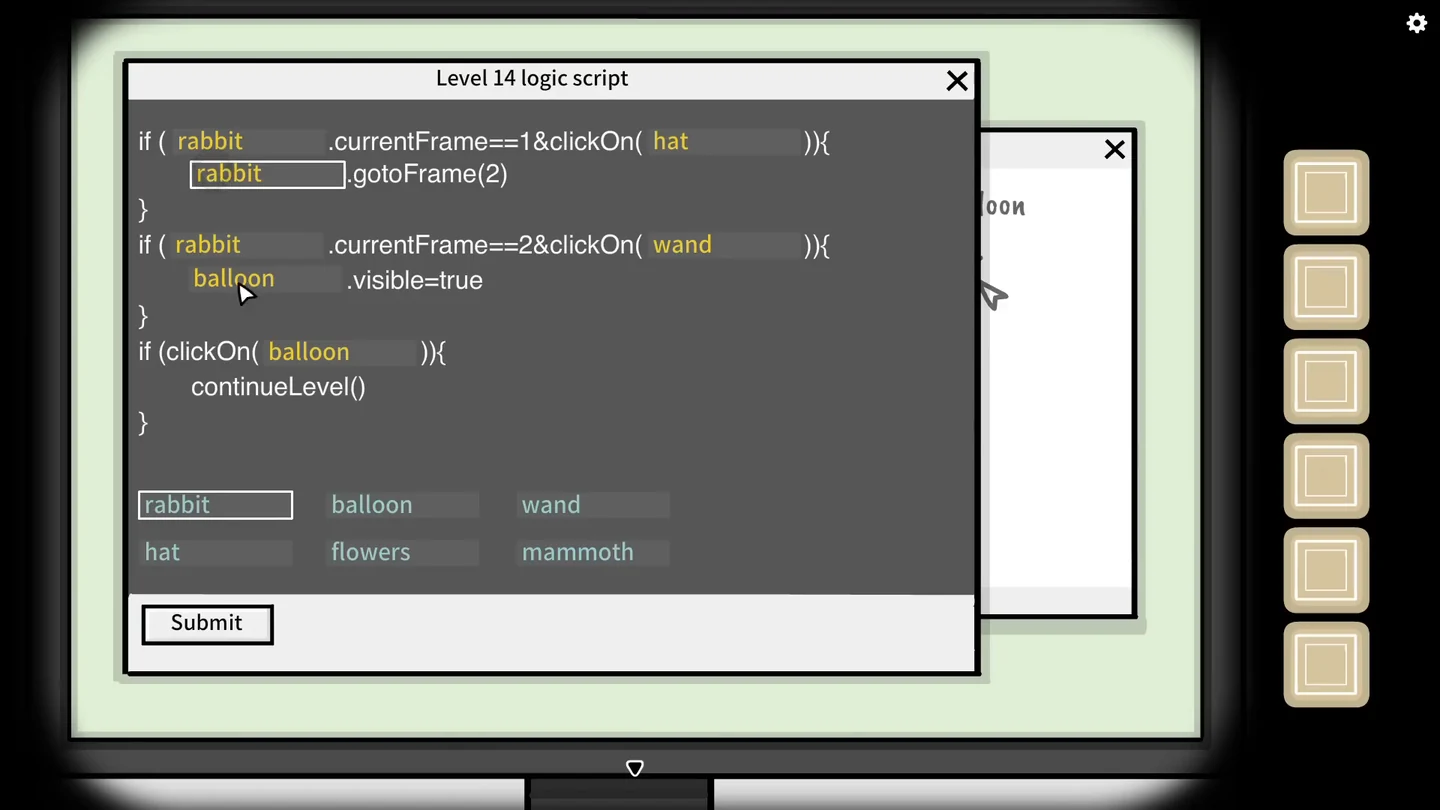
The completed script, ready to submit. - Press Submit and tap OK when the game is ready to be compiled. When it has compiled successfully, tap OK again. Maarten holds up a green USB stick; tap it to take it.
The Laptop Password
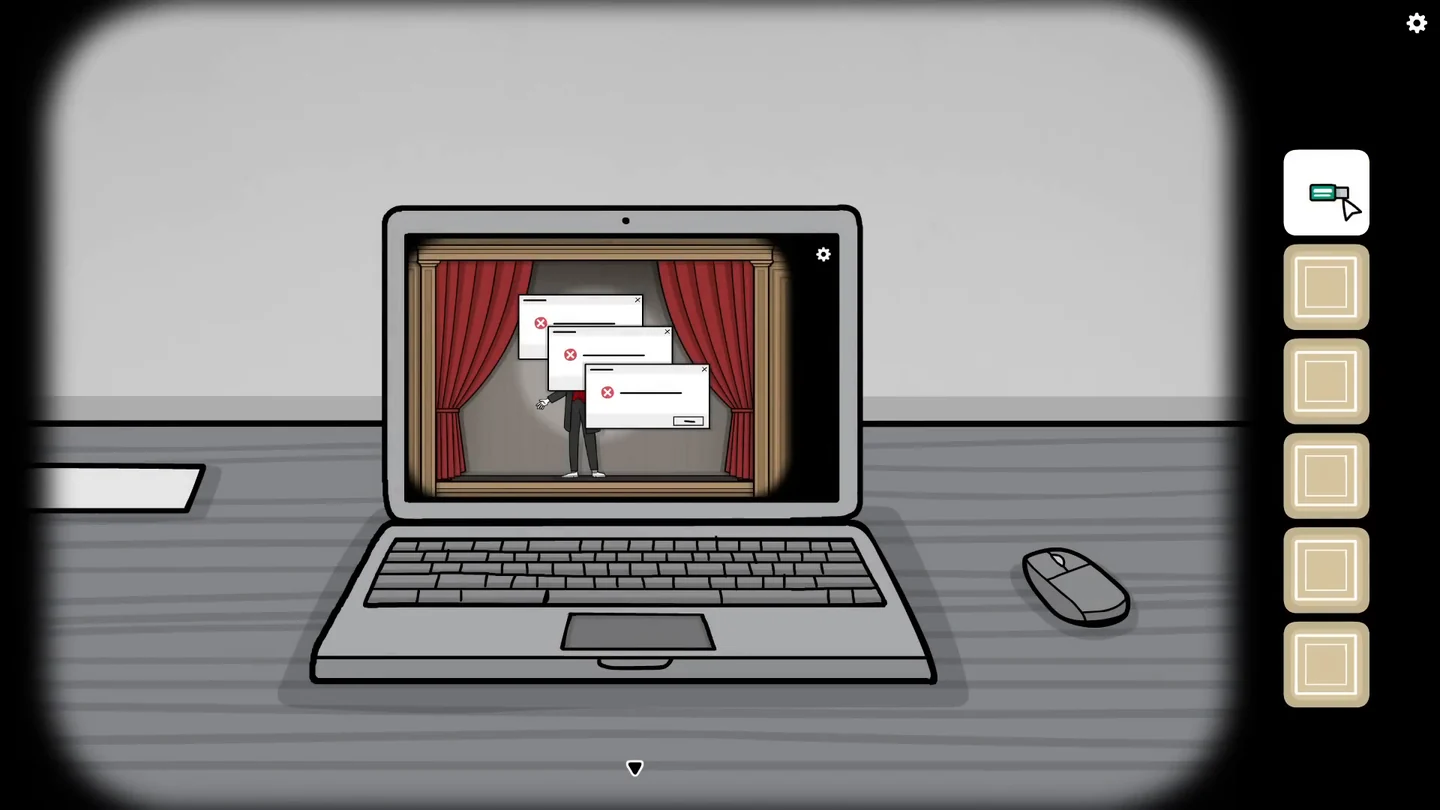
Publishing the update needs a name and a four-digit password. The sticky note beside the laptop shows four pictures: a clock, a cube, a crow and a video player.
- Insert the green USB stick into the laptop, type any name, press Submit and confirm with Continue. The laptop now asks for a 4-digit password.
- Take the video tape from the pink armchair in the room with the display cabinet.
- Read the four exhibits in the display cabinet: the antique clock shows 7 o’clock; tapping the black cube makes a 2 shine on its surface; tapping the crow’s eye makes it trace an 8; and in the video player, insert the tape and press the green Play button to see a 5 flash in the static.
- Enter the password 7285 and press Submit. When the update is published, tap Continue to return to Act 14.CODE7285
The Repaired Act
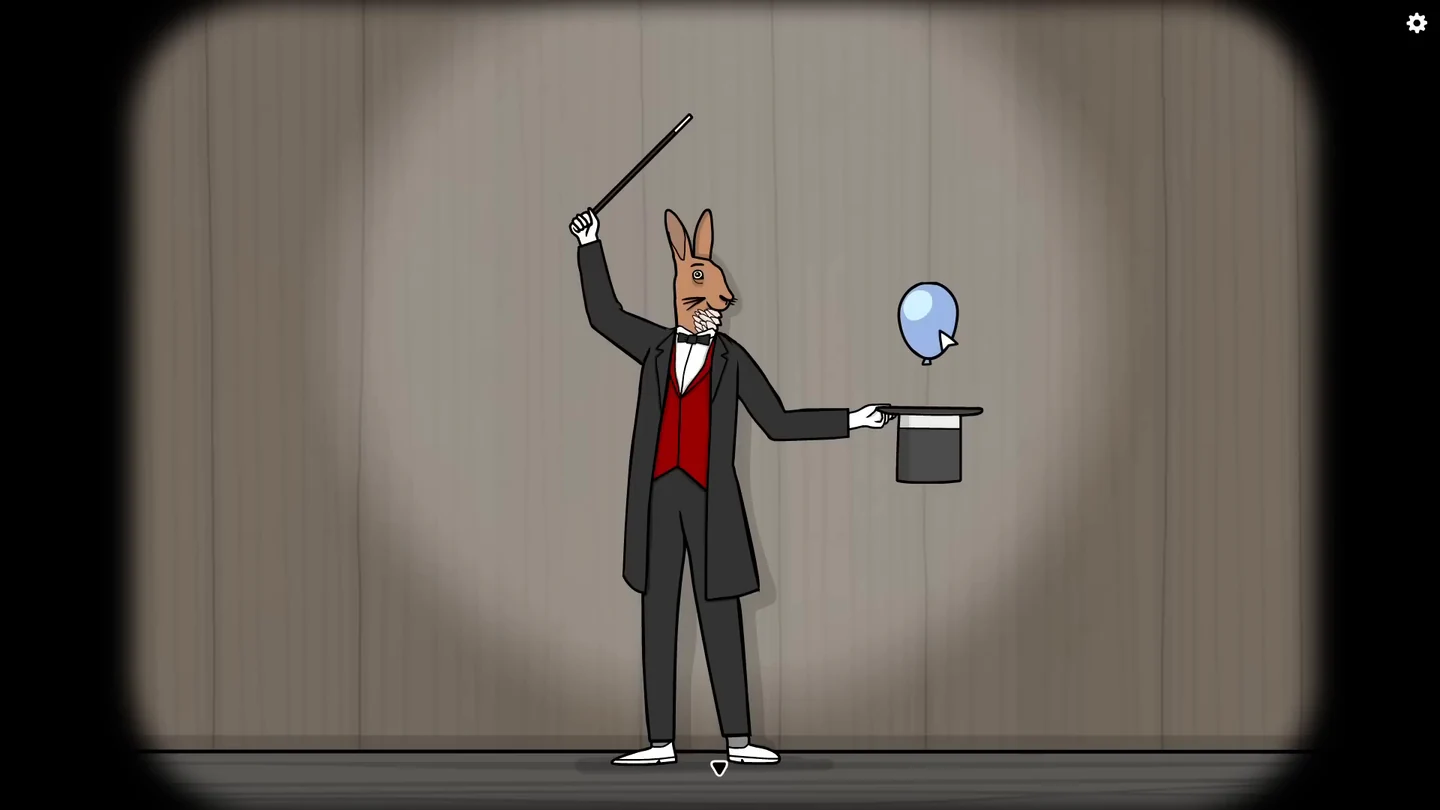
With the bug fixed, Act 14 now plays as the sketch intended.
- Tap Mr. Rabbit to step closer, then tap the hat on his head so he lowers it. Tap the wand and pop the blue balloon. A mammoth appears on top of Mr. Rabbit; if the stage stays open, tap the mammoth to end the act.
The Upside-Down Escape
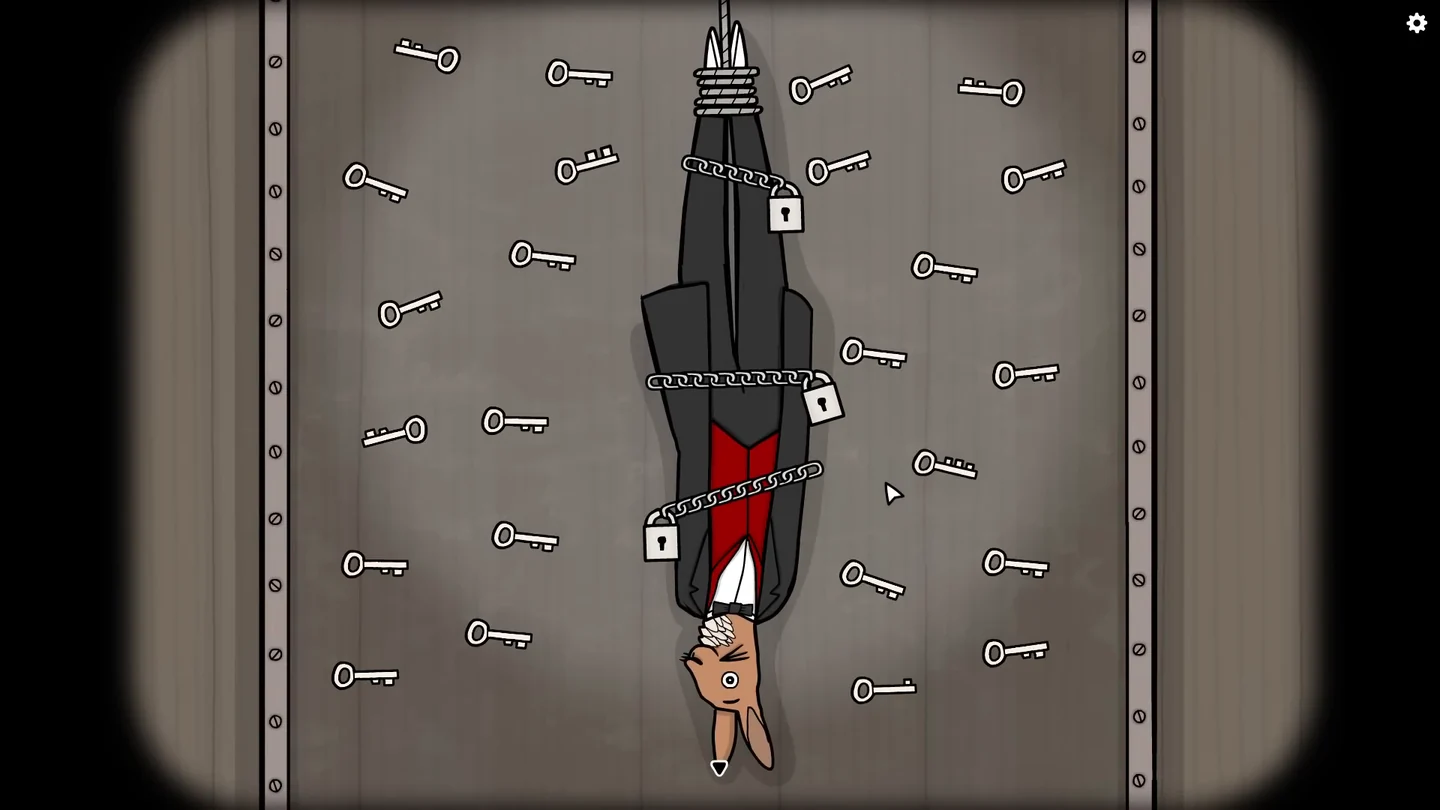
Tap the tank to start the act. Mr. Rabbit is lowered upside down, chained with three padlocks. Tap him to take a closer look, then tap a lock and dozens of keys scatter across the wall. Each lock needs a key with the right teeth.
- Use a key with one tooth on the lock around the legs, the key with two large, equal square teeth on the lock at the waist, and a key with three teeth on the lock at the chest. Several other keys also have two teeth, but smaller or uneven ones, so look closely for the waist key.
- If a padlock stays attached after you unlock it, tap it to remove it. Tap each loose chain, then tap the rope to free Mr. Rabbit.
The Mirror of Opposites
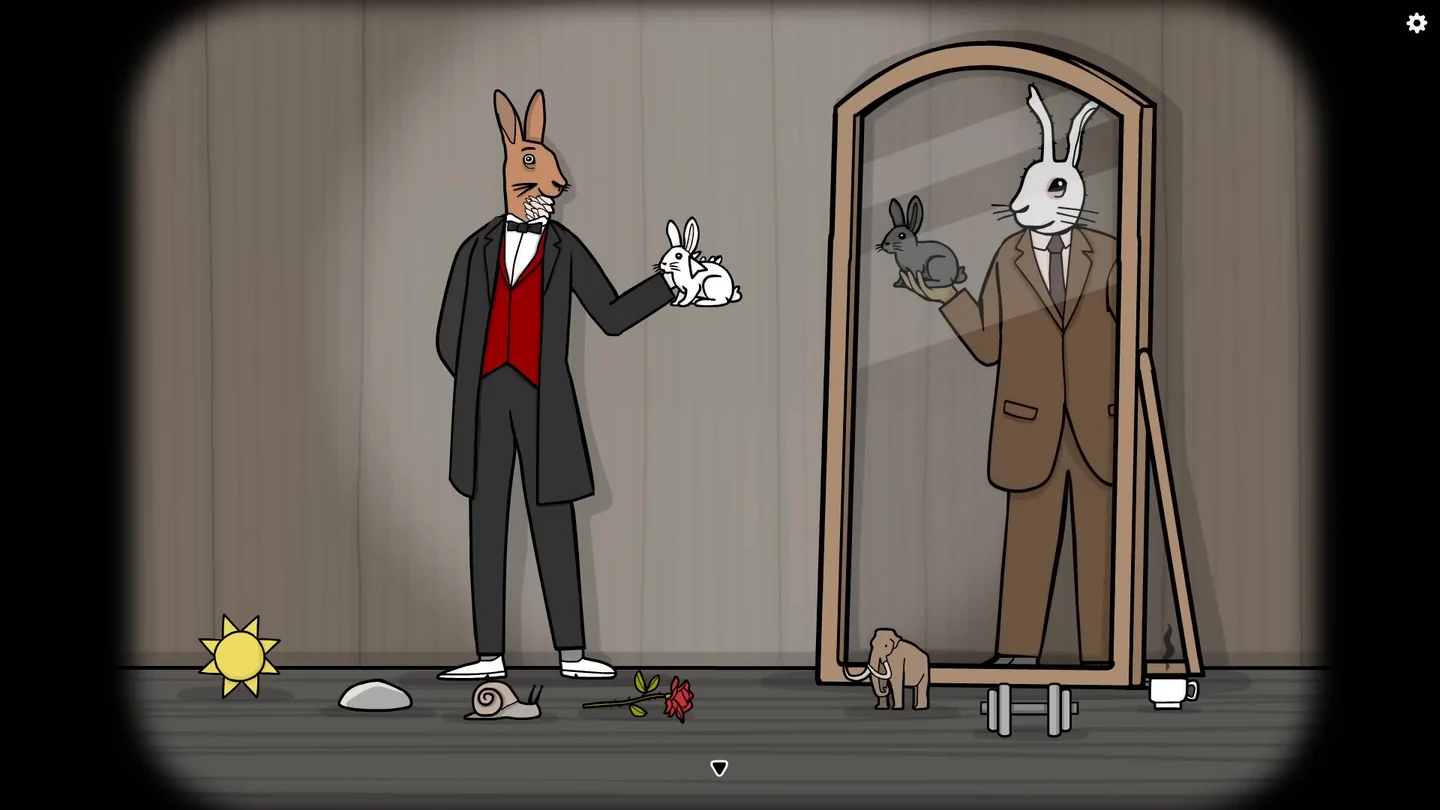
Mr. Rabbit stands beside a large mirror. Each time the reflection rabbit holds something up, hand Mr. Rabbit the object that is its opposite from the floor. A wrong object restarts the sequence.
- Tap the stage to step closer, then tap Mr. Rabbit: eight props drop onto the floor around him. Tap the mirror to make the reflection rabbit appear. Give the white rabbit for the dark rabbit, the sun for the moon, the dumbbell for the feather, the snail for the rocket, the hot cup for the ice cream, the stone for the pillow, the mammoth for the mouse and finally the rose for the machine gun.
The Flying Dove
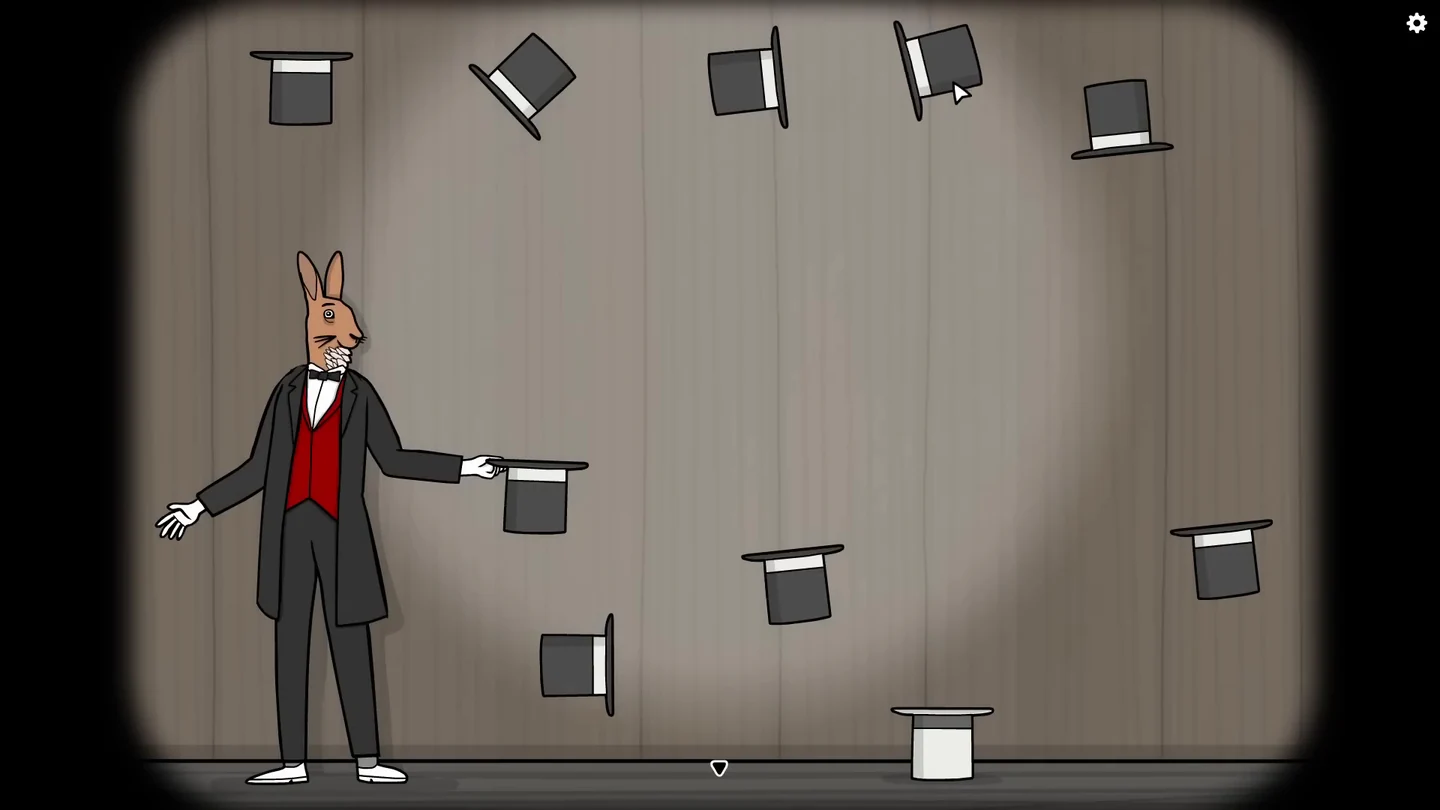
A dove flies out of Mr. Rabbit’s hat and travels through the floating hats. Turn the hats so the dove ends up in the white hat on the floor.
- When the curtains open, tap Mr. Rabbit’s held hat to step closer. The dove flies into one hat and comes out of a different hat. Tap the floating hats to rotate them, turning both the hats the dove enters and the hats it comes out of so its path carries on toward the next hat. Tap Mr. Rabbit’s hat to release the dove and test the route.
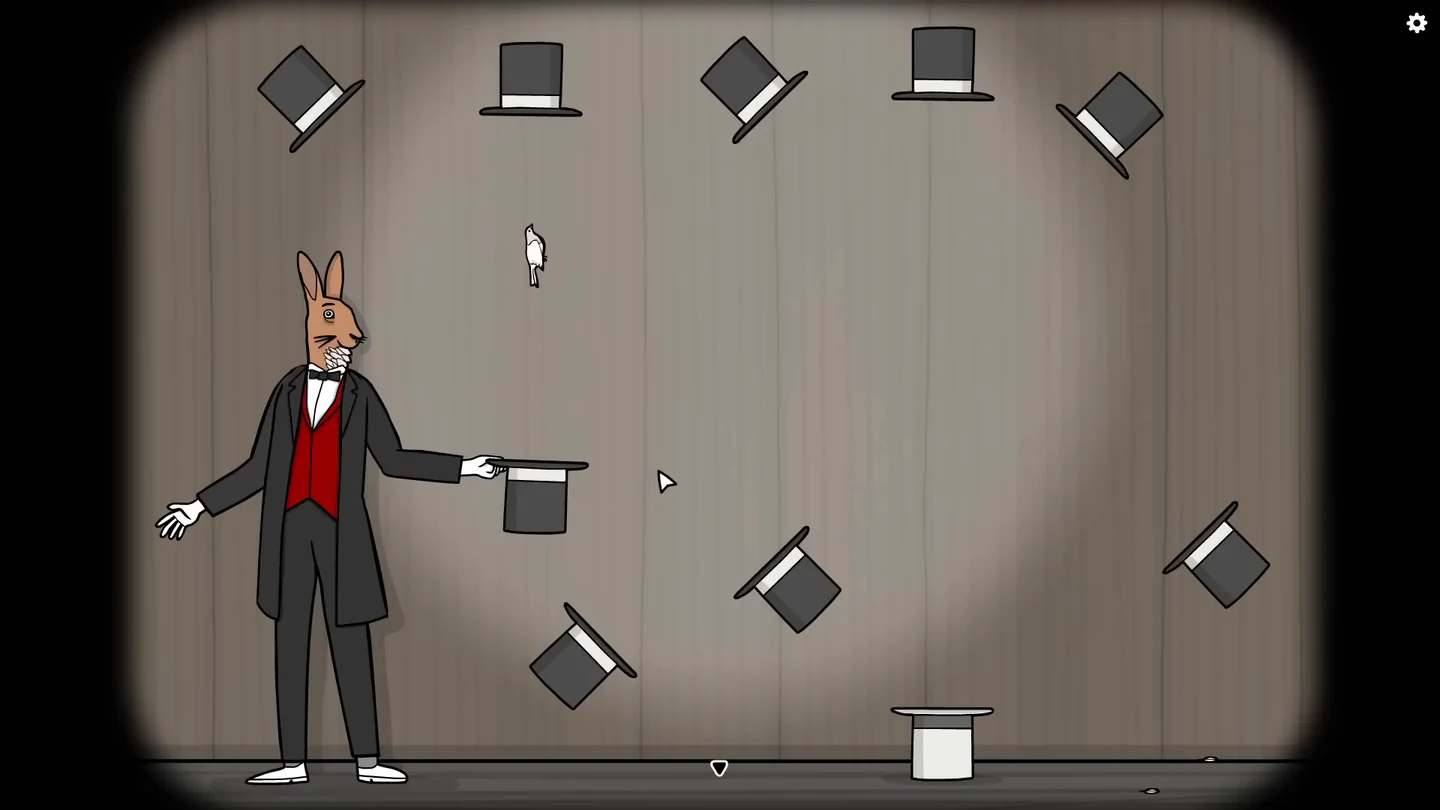
The finished hat arrangement with the dove on its way. - When every hat is turned correctly, the dove lands in the white hat on the floor and the act ends. If it misses, adjust the hats and release it again.
Four Costumes
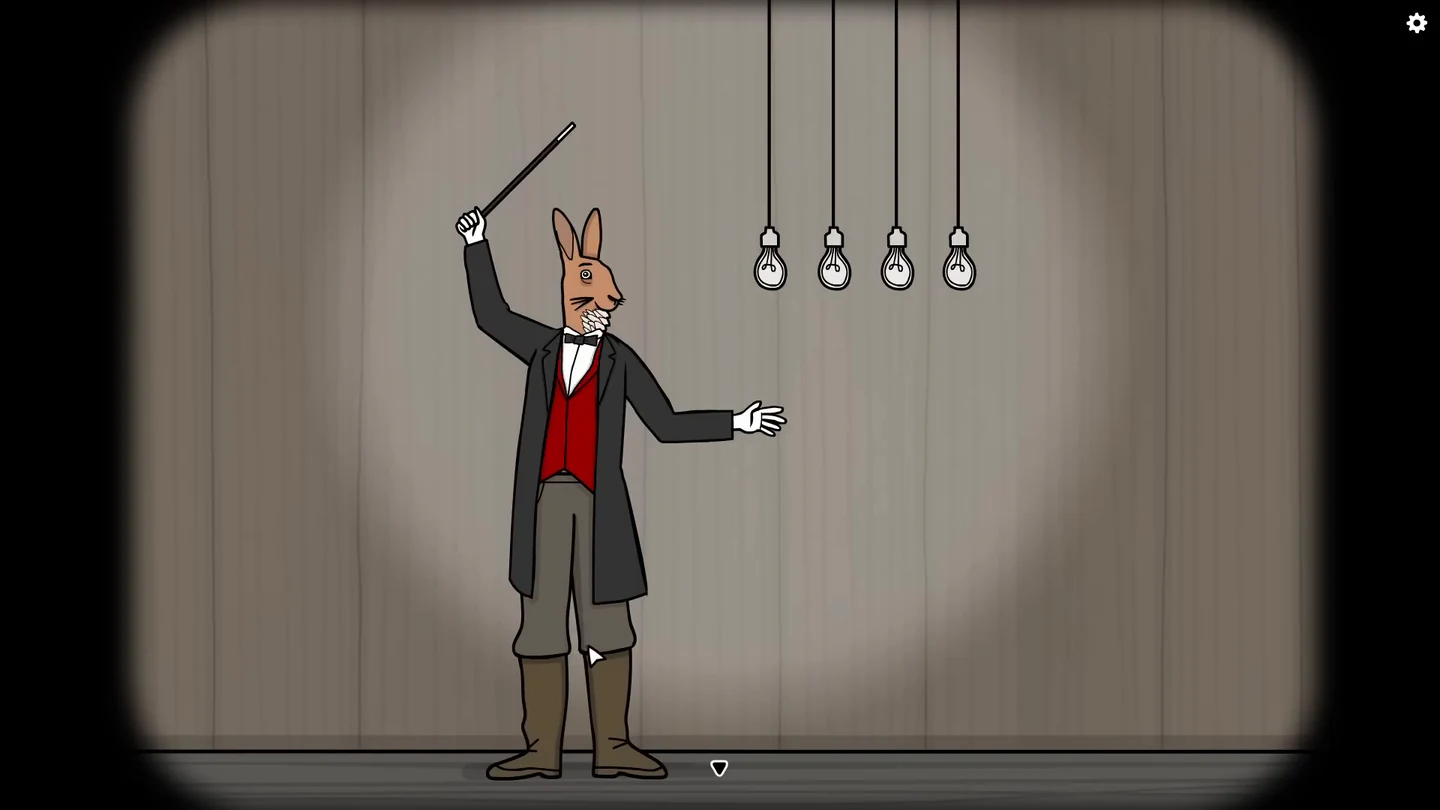
Tap Mr. Rabbit’s head, body and legs to change each part, and tap each arm on its own to change it. Each complete costume lights one of four bulbs.
- Tap Mr. Rabbit to step closer. Dress him as the classic magician: brown rabbit head, black tailcoat with red waistcoat, both black sleeves with white gloves, and black trousers with white shoes.
- Dress him as the white rabbit in the brown suit: white rabbit head, brown jacket, both brown sleeves with brown gloves, and brown trousers.
- Dress him as the man in the fedora: human face with a brown fedora, red waistcoat over a white shirt, both rolled-up white shirt sleeves, and grey breeches with boots.
- Dress him as the shadow: white rabbit mask, black top, both black arms and the long black robe.
The Musical Notes
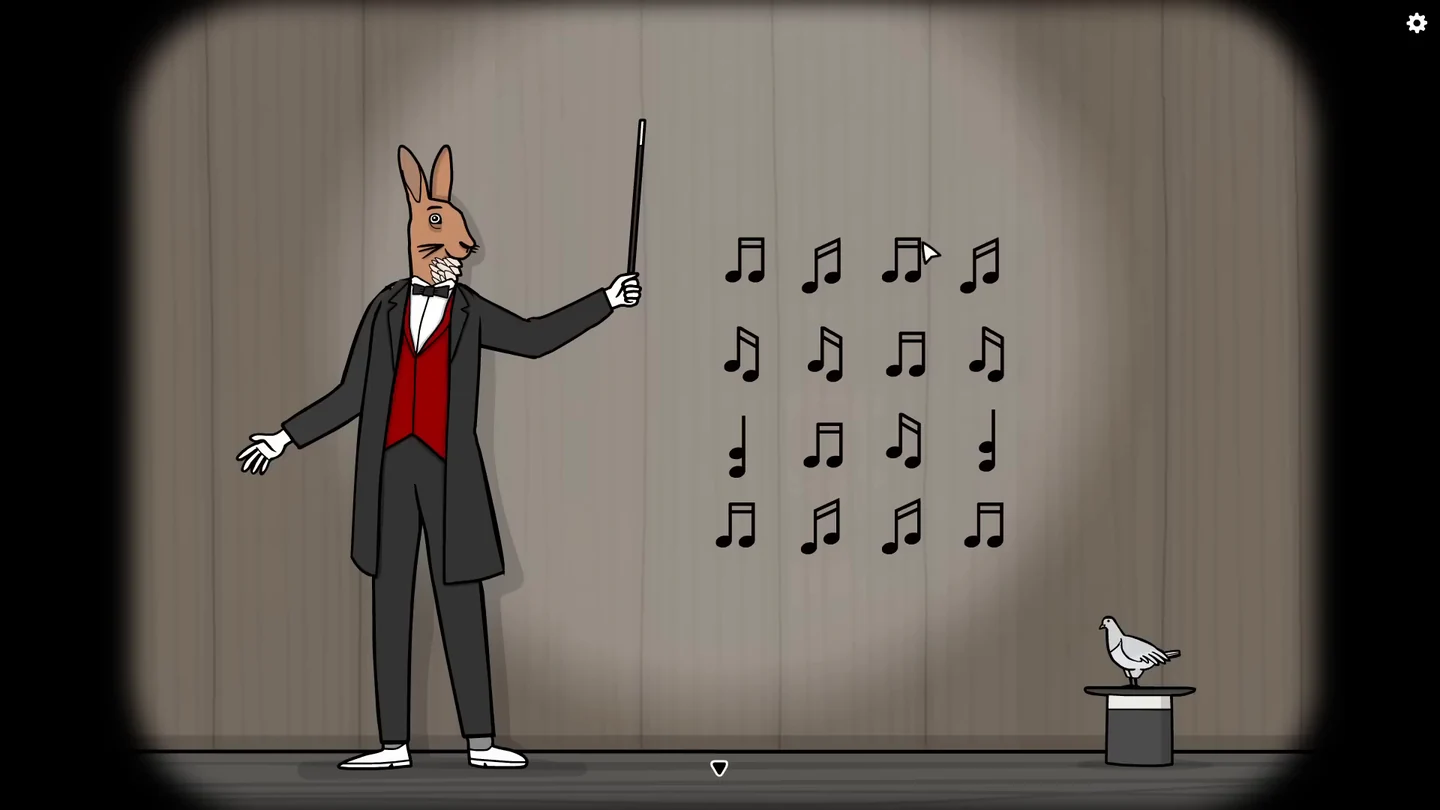
Tap the hat to bring out a pigeon, then tap the pigeon to make a grid of sixteen notes appear. Each note’s beam shows where the next note is: a flat beam points sideways, a slanted beam points diagonally and a single stem points up or down. Tap all sixteen notes in one chain.
- Tap Mr. Rabbit to step closer, then tap the hat to bring out the pigeon and tap the pigeon to show the notes. Counting rows from the top and columns from the left, tap: row 2 col 4, row 1 col 3, row 1 col 4, row 2 col 3, row 2 col 2, row 1 col 1, row 1 col 2, row 2 col 1, row 3 col 2, row 3 col 1, row 4 col 1, row 4 col 2, row 3 col 3, row 4 col 4, row 4 col 3, row 3 col 4.
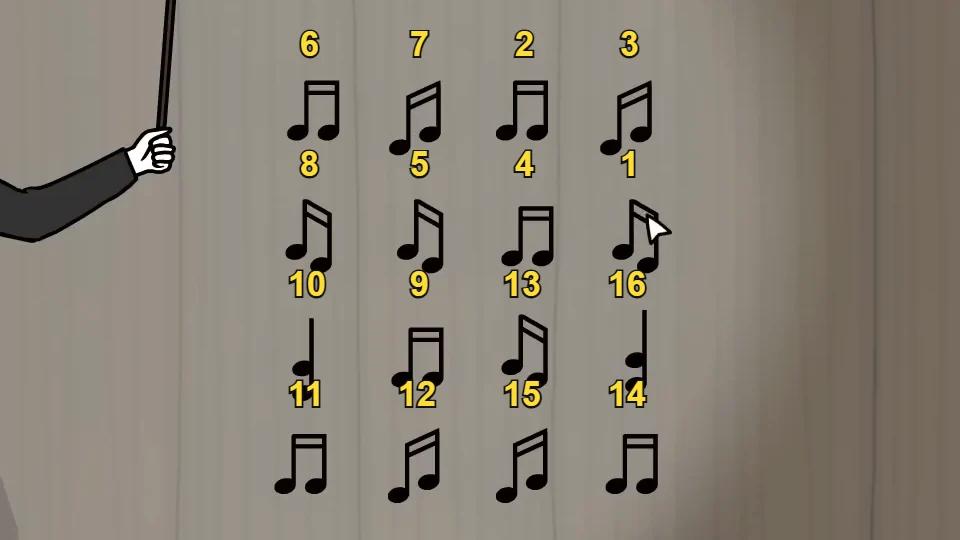
Tap the notes in this numbered order. - Tap the pigeon on the hat so it turns into Mrs. Pigeon. Tap her so she raises her wand, and tap her again if the close view stays open. She turns Mr. Rabbit into a small rabbit. If the close view stays open after the transformation, tap the small rabbit to finish the act.
The Final Trick
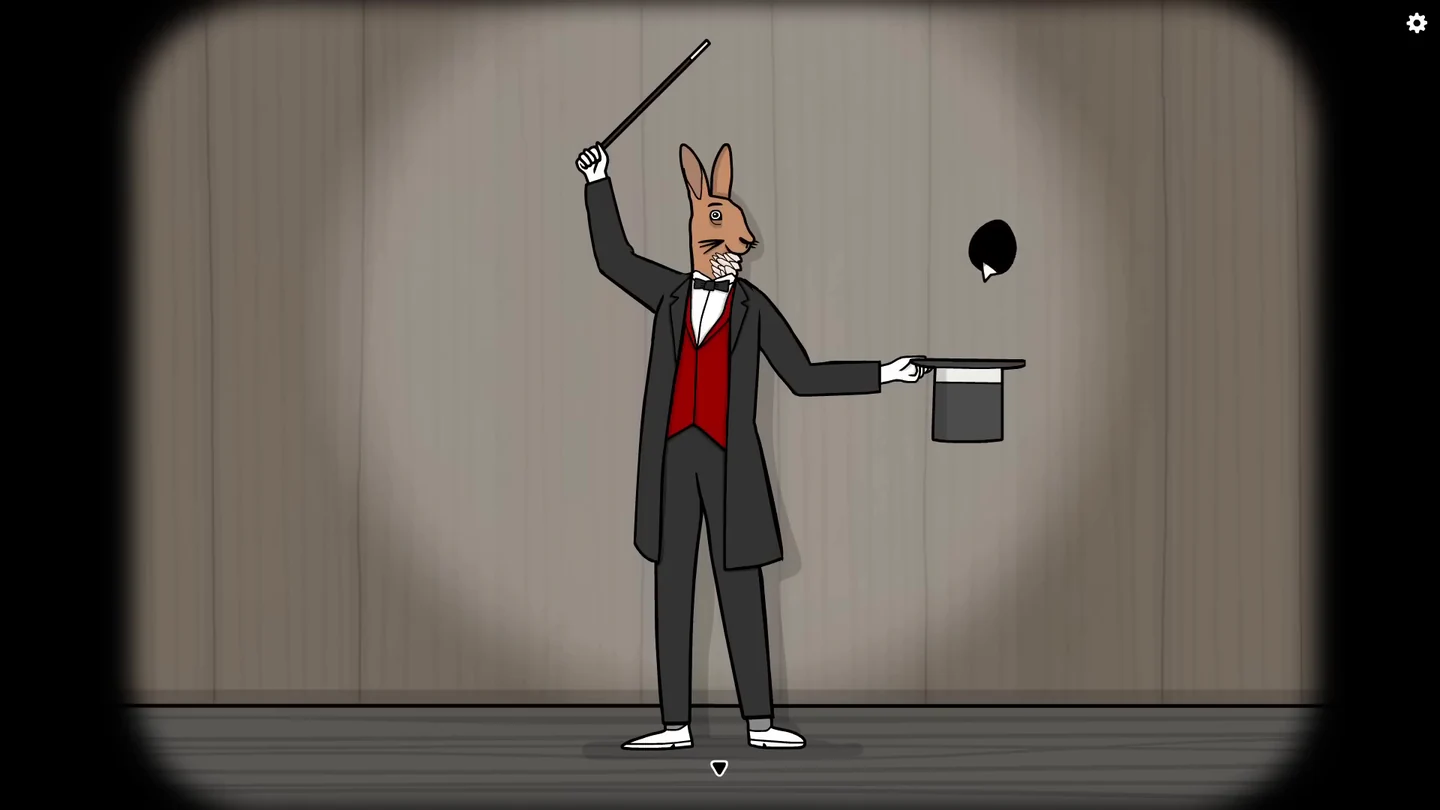
The last act of the show. Timing matters for the final trick.
- Tap Mr. Rabbit to step closer and tap him again so he takes off his hat. Tap the hat to reveal the wand and drag the wand to his free hand; he raises it. Tap the raised wand and a black blob floats out of the hat. Tap the blob and it drops to the floor as a hole.
- Tap the raised wand again to make the hole slide across the floor toward him. When the hole is under his feet, tap the wand once more to stop it, and Mr. Rabbit drops through.
- Pop the pink balloon that floats out. When THE END appears, tap the screen if it stays there; the curtains close and a thank-you screen appears. Press Continue.